Daily UI Challenge- File Upload
- Avital Donner

- Apr 16, 2025
- 1 min read
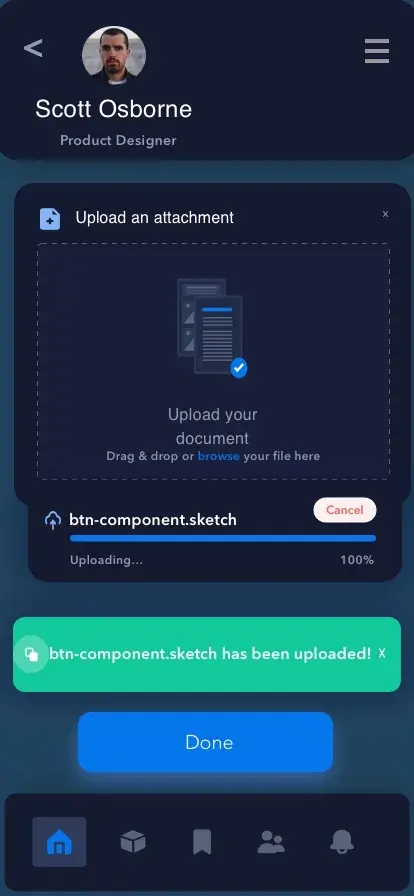
This week’s design challenge was to design a file upload element. While there are many different ways to design a file upload screen for mobile or website, I chose to continue my theme of designing for mobile apps and used that screen as the template. There are many different ways to design an upload screen, with a loading screen and icon, a progress element, and folders being uploaded by flying across the screen like Ghostbusters. For my design, I decided to go with a simple upload file page for a user’s account.
I decided to go with a darker theme, and design the screen in an edgy, but still vibrant way. I focused on the most important aspects of a file upload screen, which in my view are an upload the attachment option, showing the progress of the upload in percentage, and confirmation that your file has been successfully uploaded. As you can see below, the upload screen is for a product designer, on a specific app where he can upload his sketch files and have access to everything on his phone. This way, he is able to conveniently send these files to his coworkers or prospective employers straight from his iPhone and perhaps through the app itself.
Please see the below design showcasing the above information.


Comments